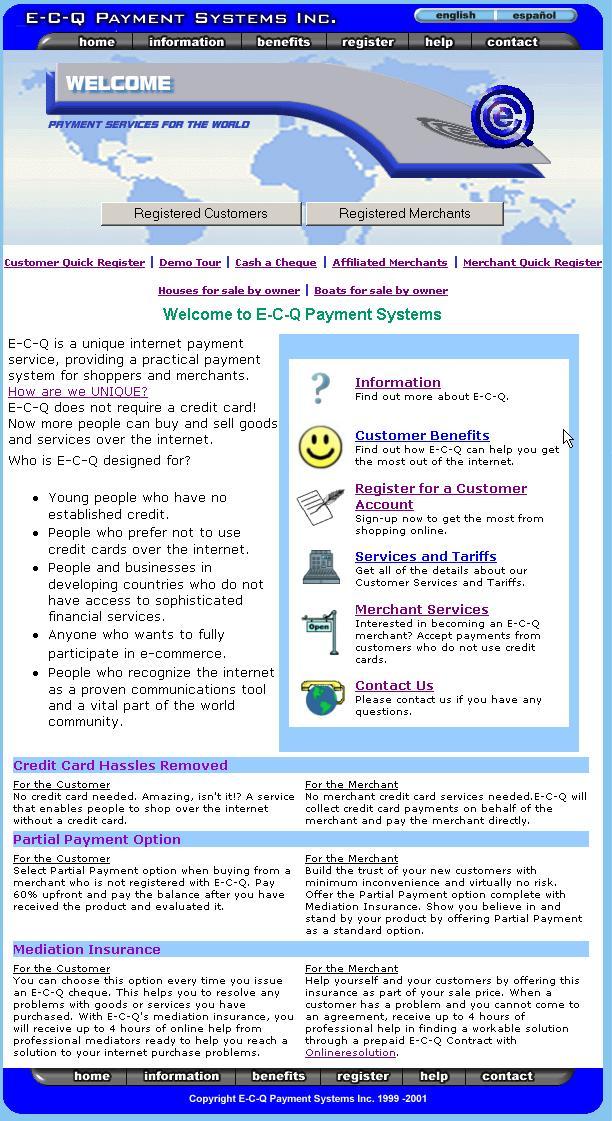
Choose the Merchant Information section on the E-C-Q Welcome page.
When you come to the
E-C-Q web site you and your customers will always be greeted at the welcome
page.
Register as an E-C-Q Merchant
|
|
Choose the Merchant Information section on the E-C-Q Welcome page. |
When you come to the |
|
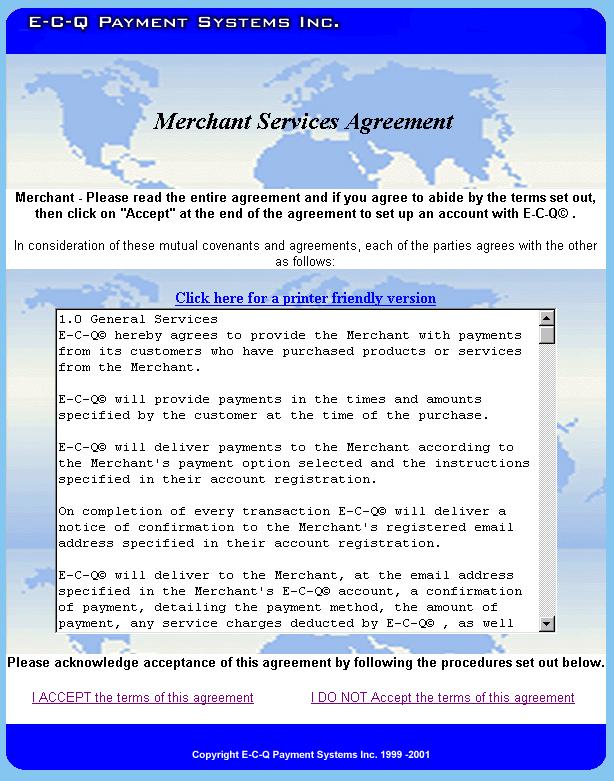
Read and accept the Merchant agreement. |
The Merchant agreement establishes how E-C-Q and the merchant will work together. |
|
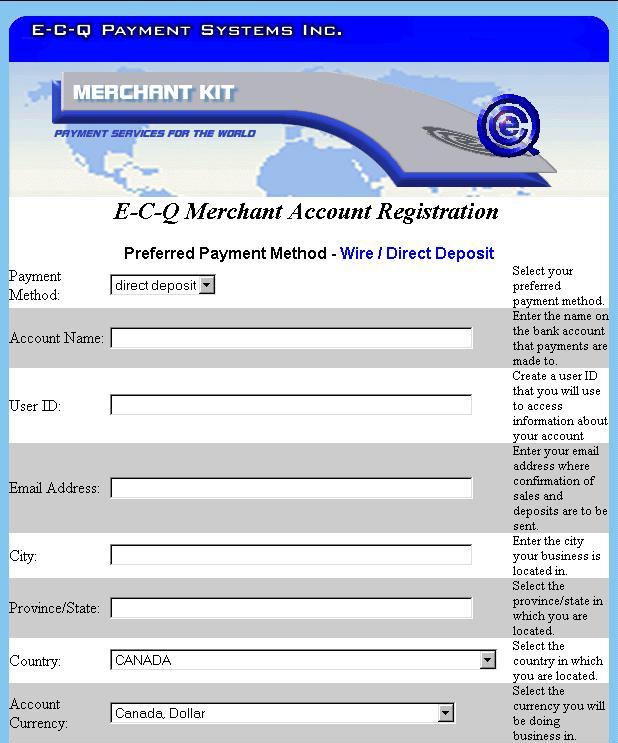
Fill in the facts. Review the various settlement options and any associated costs then fill in the appropriate area with the option of your choice. |
This is a simple registration form. You the merchant provide details about your company and specific instructions on how E-C-Q is to pay you when a customer buys something from your web site. |
|
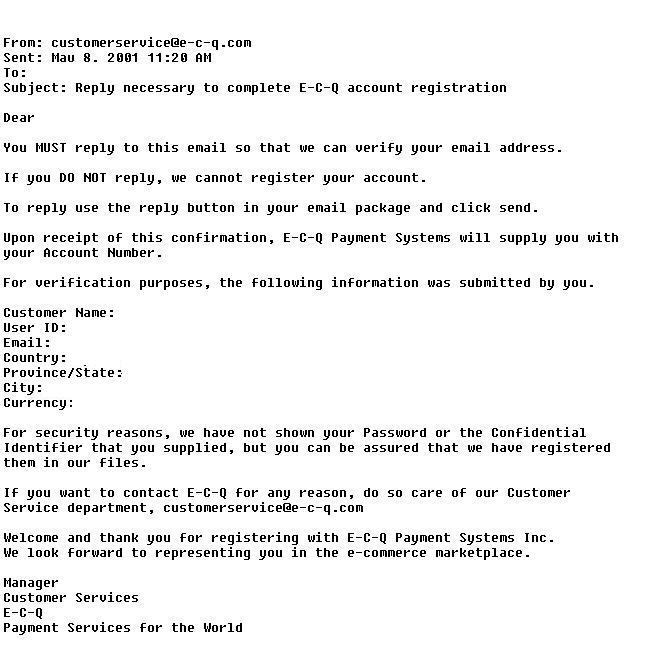
Reply to your email. E-C-Q sends you an e-mail confirming your registration details. You need to reply to this e-mail to complete the registration process. |
IMPORTANT STEP Two letters are sent to you the Merchant to confirm your request and validate your e-mail address. |