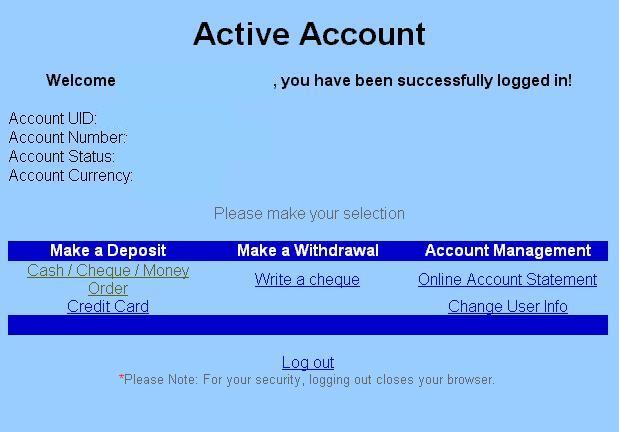
Choose your options
Make a Deposit
In order to activate
your account you need to make a deposit.
To do this, log into www.e-c-q.com then
choose a language and hit the registered customers button, enter your Account
Number, User ID and Password. This will take you to the Registered Customers
page where you will be able to make a deposit to your registered E-C-Q Account.Your
deposit can be for as little as $1.00 or as much as $3000.00 Dollars.
We recommend keeping only as much money as you need to make your internet
purchases in your E-C-Q Account.
|
|
Choose your options |
From inside your account pick the way you want to make your deposit. Mail it in or supply your credit card. |
|
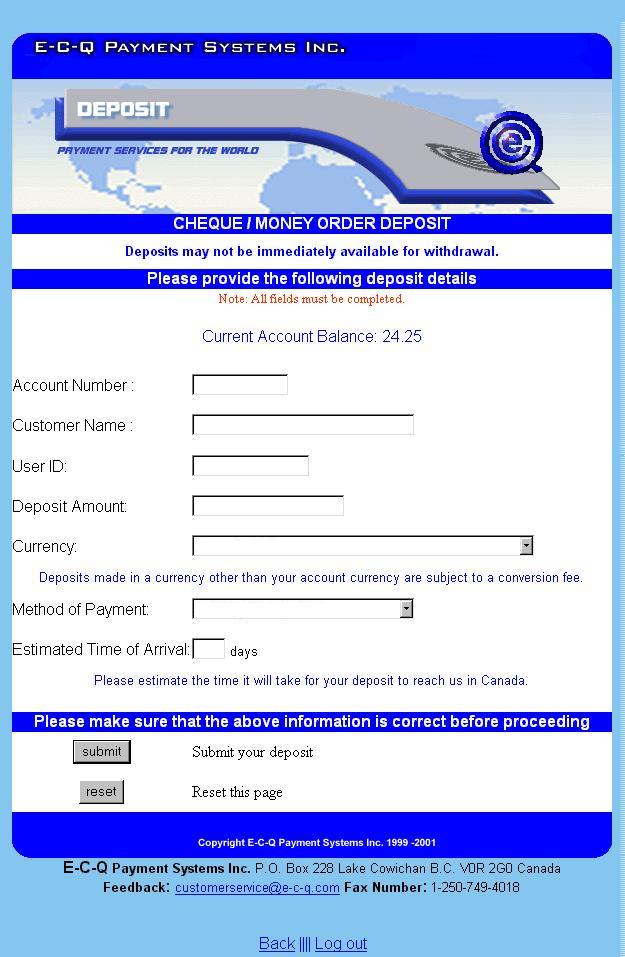
Do the paperwork |
You will have to fill in the deposit slip. |
|
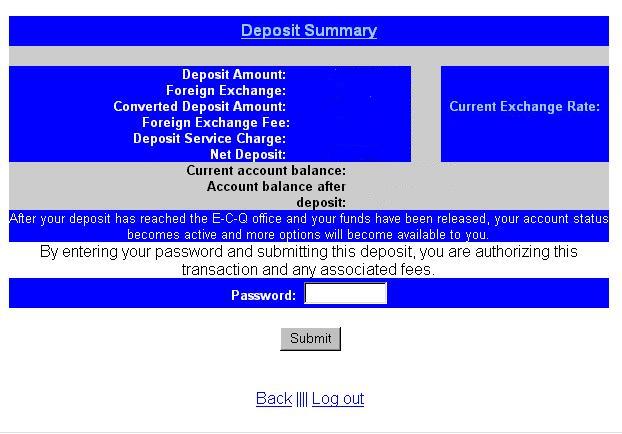
Confirm amounts |
After completing the deposit slip check the confirmation page before submitting to E-C-Q. |
|
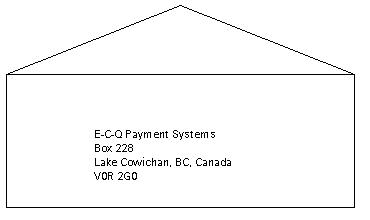
Mail in the deposit |
If you have chosen to send a cheque or money order, print the deposit confirmation and mail it in along with your cheque or money order. |