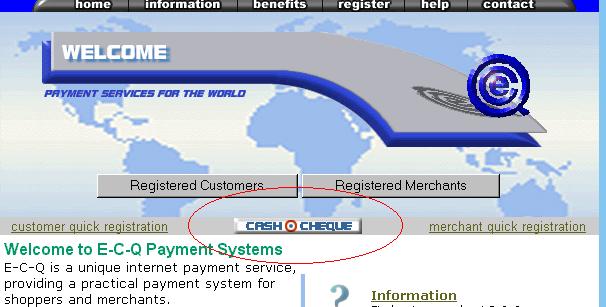
Go to e-c-q.com, choose a language, and click on the cash a cheque option.
Cash a cheque
|
|
Go to e-c-q.com, choose a language, and click on the cash a cheque option. |
|
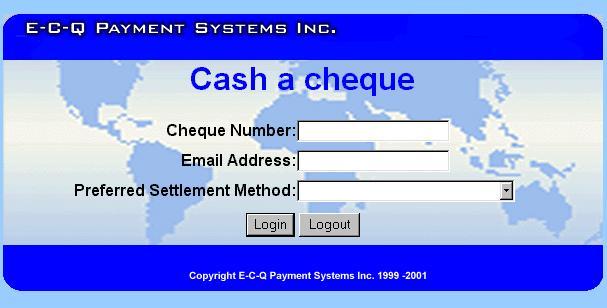
Complete the cash a cheque log in information. |
|
Step 3 |
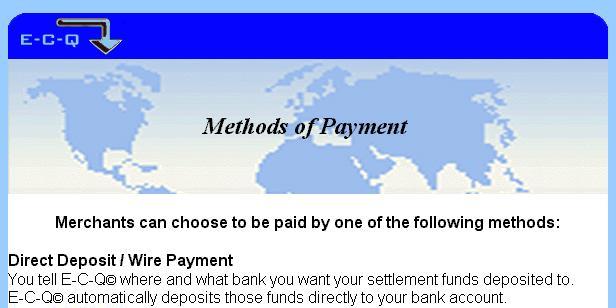
E-C-Q provides the merchant with the details of the issued cheque as well as all the options available to them for payment of funds. |